SAP SIGNAVIO
UX/UI Design in Enterprise Software
Industry
Enterprise Software / Process Intelligence (B2B SaaS)
Services
UX Designer (Product Discovery & Prototyping)
Duration
1.8 Years
Tools
Figma · SAP UI Library · Workshops · User Research · Prototyping
Disclaimer
Due to NDA restrictions, visuals are limited. The focus of this case study is on process, thinking, and impact rather than final shipped screens.
SAP is a leading enterprise platform helping global organizations understand, optimize, and transform complex business processes.
As a Designer within the Signavio Next innovations team, I worked on early-stage product discovery and concept validation - translating complex enterprise workflows into clear, usable interfaces aligned with SAP's design system.
The Challenge
Design intuitive product experiences for highly complex, data-heavy enterprise workflows that solve real problems — while operating within strict design systems, technical constraints, and diverse stakeholder needs.
The Approach
Worked in early discovery phases to de-risk product ideas before development
Translated abstract concepts and workflows into clear UX flows and prototypes
Designed within SAP’s enterprise UI system, ensuring scalability and consistency
Collaborated closely with product managers, engineers, and researchers
Used rapid prototyping to test assumptions and align stakeholders early
The Result
End-to-end user flows for new product concepts
High-fidelity prototypes using SAP’s UI component library
Interaction models for data-dense dashboards and tools
UX explorations to support decision-making and insights
Design documentation to support handover and iteration
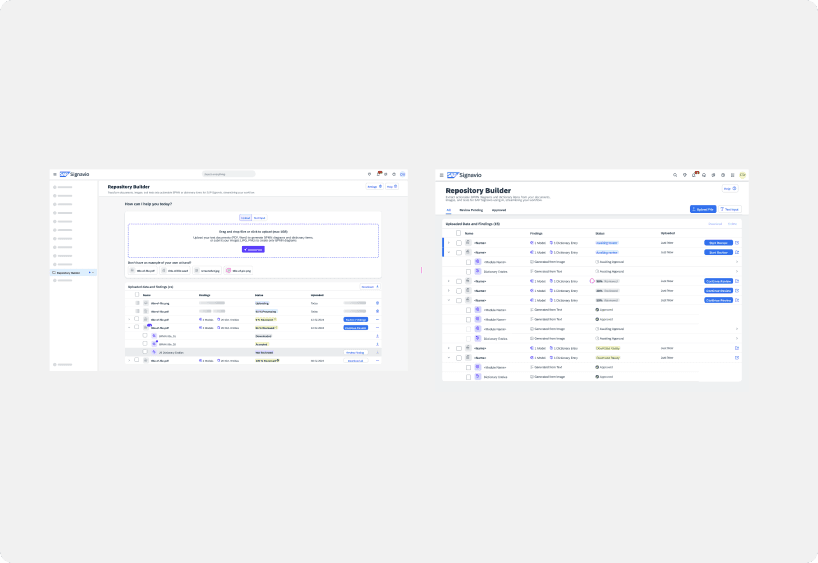
Repository Builder
Designing clearer, more intuitive workflows for AI-generated process models
Product Type
Enterprise AI workflow tool
Duration
Apr 2024 – Jul 2024
Environment
Enterprise SaaS, AI-assisted workflows
Role
UX Designer (UX assistance within a larger product team)
Team
Collaboration with UX lead and product stakeholders
Overview
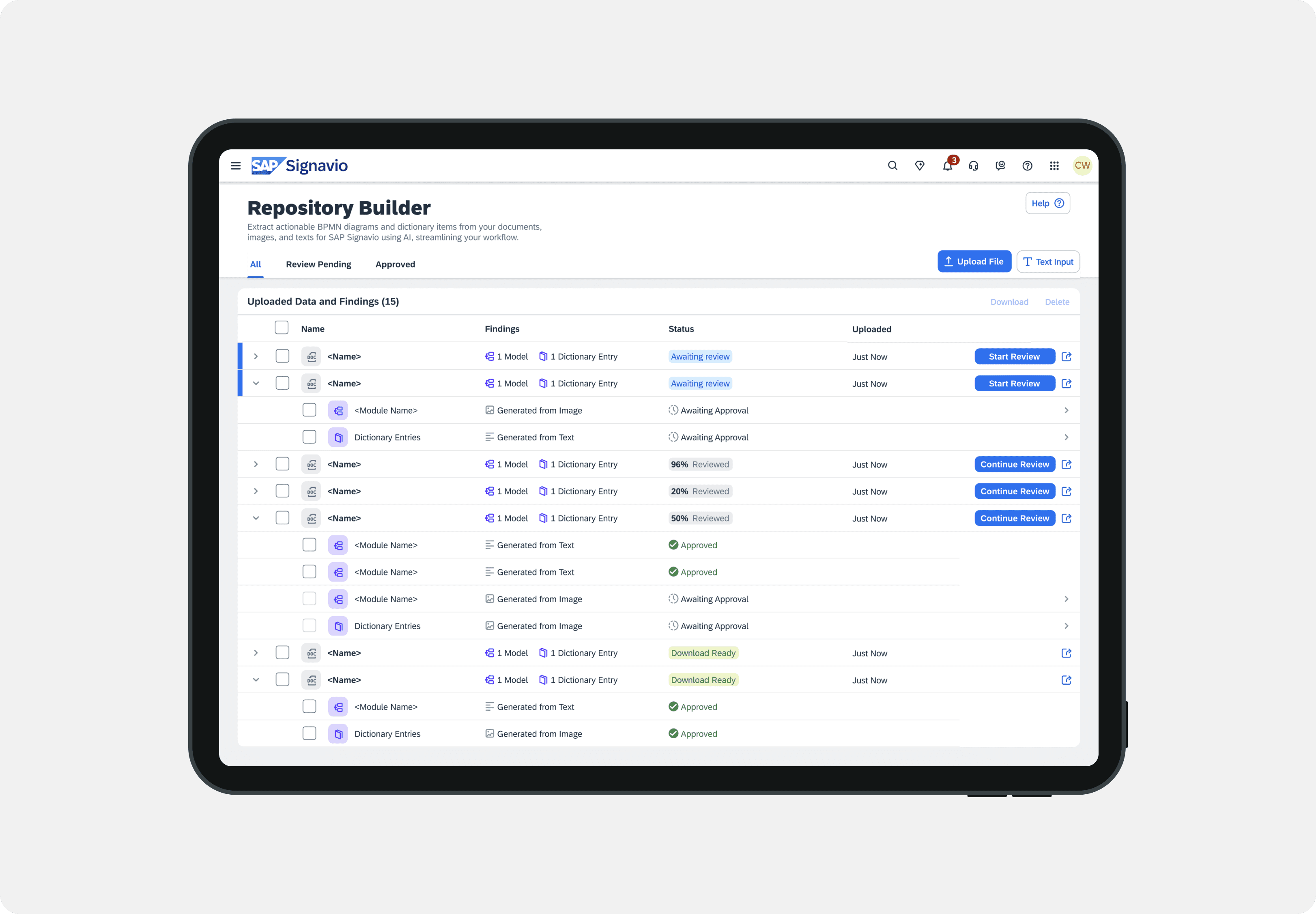
The Repository Builder is an internal AI-assisted tool designed to accelerate process model creation by generating structured text, images, and files—while maintaining clarity, control, and trust in AI-supported workflows.
I worked on refining an early prototype by improving usability, aligning features with real user workflows, and translating user feedback into clear, actionable UX improvements. The focus was on reducing friction in complex tasks and making AI-generated content easier to review, understand, and manage within existing processes.
The challenge
Early versions of the Repository Builder demonstrated strong technical potential but lacked clarity and usability for day-to-day workflows. Users struggled to understand system states, AI outputs, and next actions, which reduced trust and slowed adoption.
The core challenge was to balance speed and automation with transparency, control, and ease of use in a complex enterprise environment.
My contributions
Evaluating the interface using usability heuristics and task-based analysis
Identifying friction points in AI-assisted workflows
Clarifying system states, statuses, and user actions
Improving layout hierarchy and interaction patterns
Translating user feedback into concrete design iterations
UX Approach
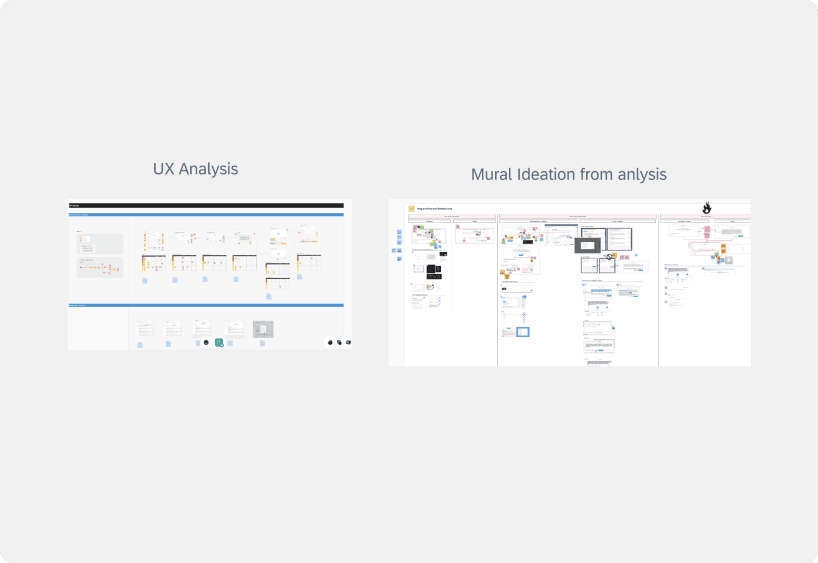
Analyzed existing workflows to identify friction and cognitive overload
Focused on progressive disclosure to avoid overwhelming users with AI output
Clarified system states and feedback to increase transparency and trust
Ensured consistency with SAP’s enterprise UI patterns and accessibility standards
Solution
I translated user feedback and UX analysis into targeted design improvements that clarified AI workflows, reduced friction, and increased user confidence. The solution focused on improving information hierarchy, making AI-generated content easier to review and manage, and aligning interactions with established process-modeling workflows — resulting in a more intuitive, trustworthy, and scalable experience.
Learnings & Impact
Strengthened experience designing AI-assisted UX with a focus on trust and transparency
Applied human-in-the-loop design principles to balance automation and control
Improved enterprise usability through clarity, hierarchy, and workflow alignment
Gained deeper experience working within large-scale design systems
Reinforced the importance of progressive disclosure in complex tools
Collaborated cross-functionally in an agile, product-led environment
Lab Space - Admin Tool
Designing a scalable internal admin tool to simplify user management and prototype onboarding.
Product Type
Enterprise AI workflow tool
Duration
Apr 2024 – Jul 2024
Environment
Enterprise SaaS, AI-assisted workflows
Role
UX Designer (UX assistance within a larger product team)
Team
Collaboration with UX lead and product stakeholders
Overview
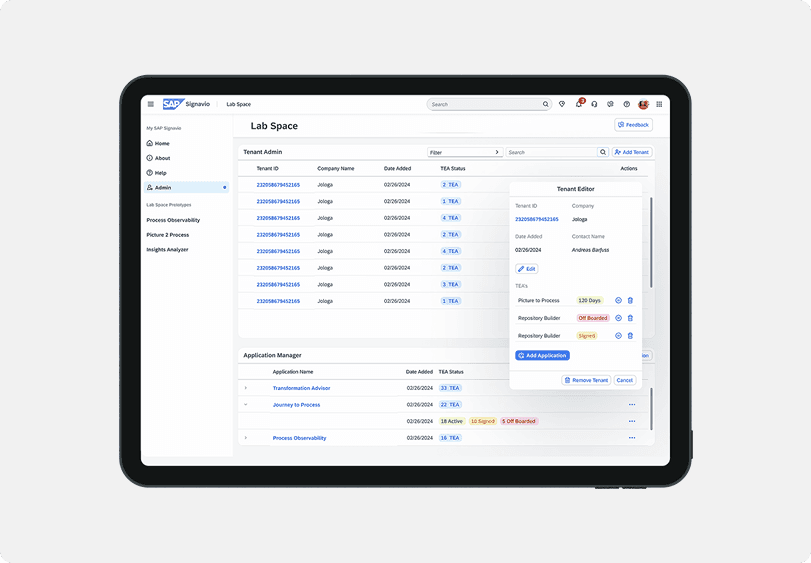
Lab Space is an internal innovation hub at SAP Signavio that allows internal and external users to test and validate ideas using early-stage prototypes. As usage grew, project managers were relying on manual workflows—emails, spreadsheets, and disconnected tools—to manage users, access, and applications.
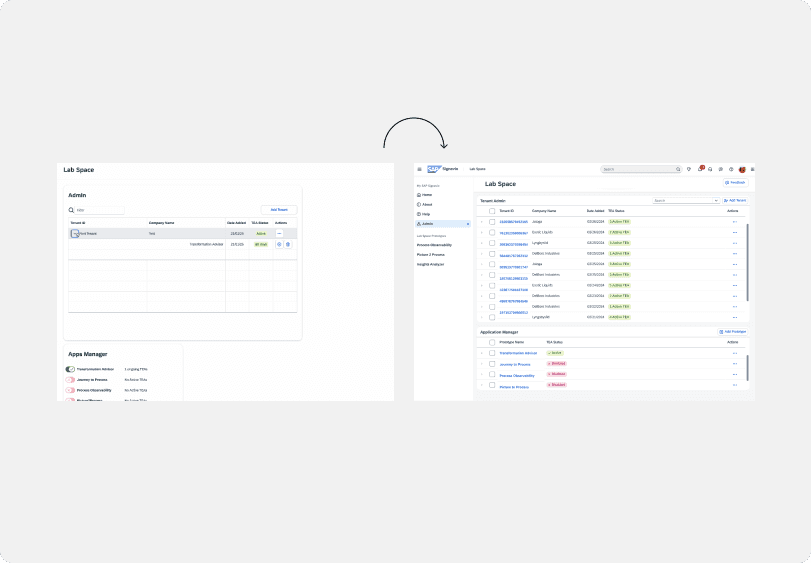
The goal of this project was to design a centralized admin experience that simplifies user management, reduces operational overhead, and scales with Lab Space’s growing ecosystem.
The challenge
Project managers lacked a clear, structured way to manage:
User onboarding and TEA (trial) access
Application visibility across multiple prototypes
Status tracking and administrative actions
This resulted in fragmented workflows, high manual effort, and limited transparency across teams.
My contributions
I worked closely with a developer to:
Map user flows and administrative needs
Define core features and information hierarchy
Design and iterate high-fidelity UI in Figma
My focus was on translating complex operational needs into a clear, usable interface that supports real workflows.
Research & Ideation
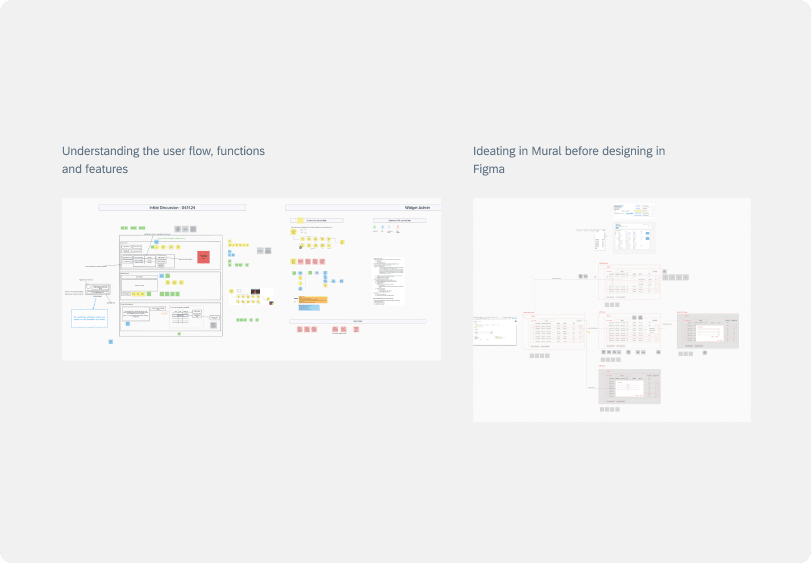
Research centered on understanding the TEA sign-up and onboarding process, identifying bottlenecks for project managers, and mapping pain points across existing workflows.
Using Mural, we collaborated on:
User flows and system logic
Feature prioritization
Early layout and interaction concepts
This ensured design decisions were grounded in real operational needs before moving into UI execution.
Final Remarks / Key Learnings
This project strengthened my experience in designing internal tools, where clarity, structure, and scalability are critical. I learned how to translate operational complexity into intuitive interfaces, collaborate closely with engineering, and design systems that support long-term growth.
It reinforced my ability to work on B2B and admin-heavy products, balance user needs with business constraints, and design solutions that are both practical and scalable—skills I consistently bring into complex product environments.